

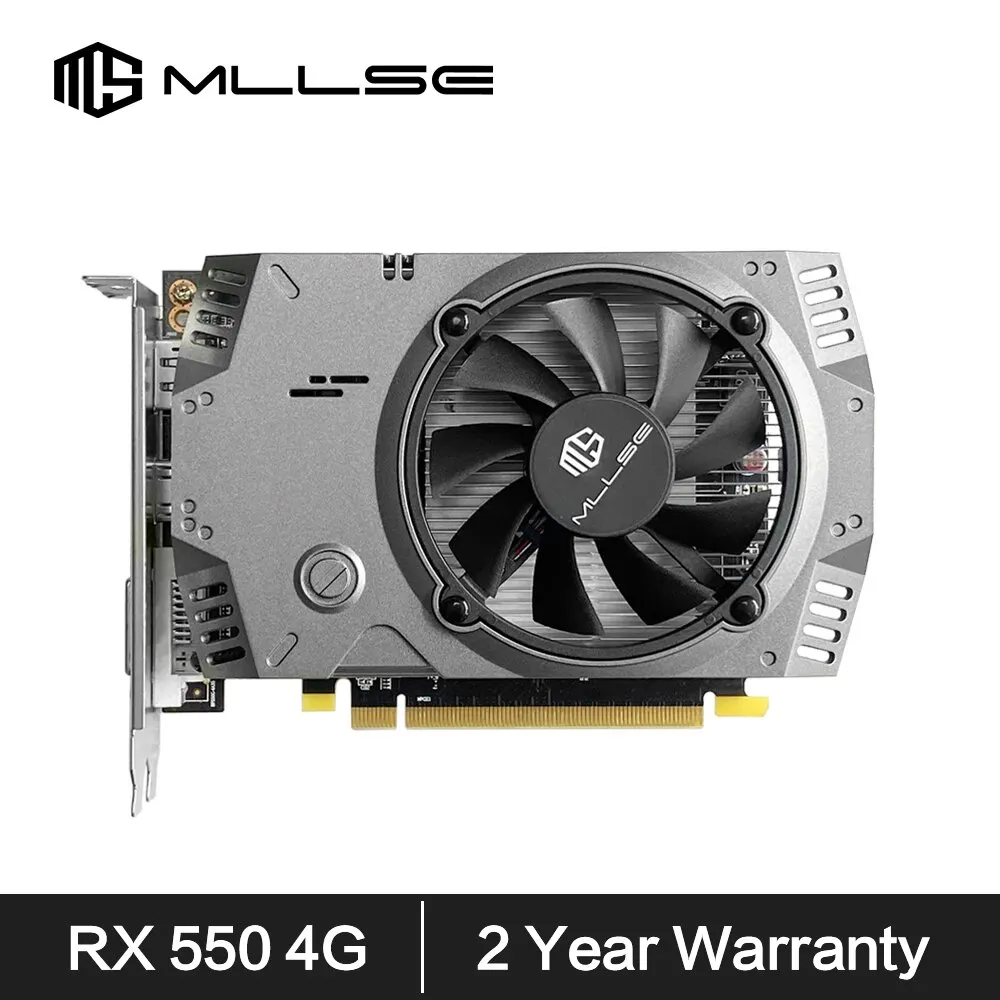
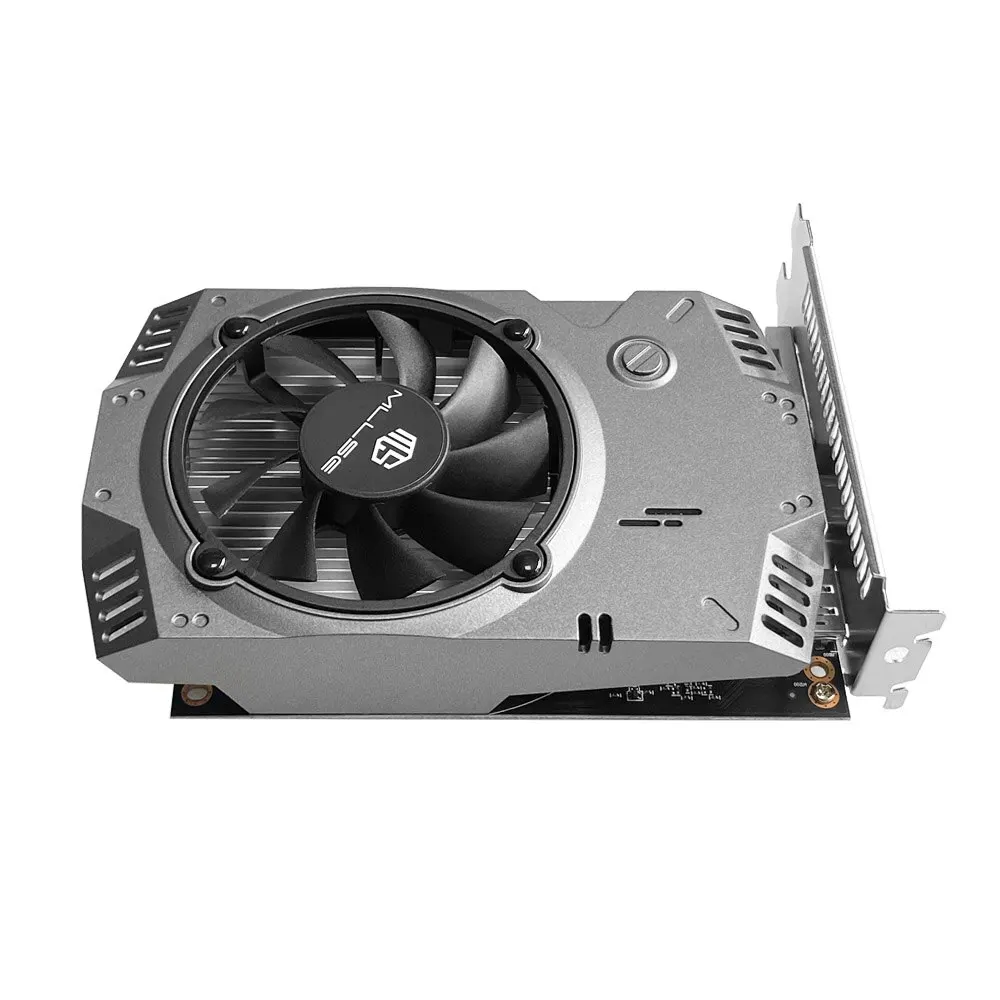
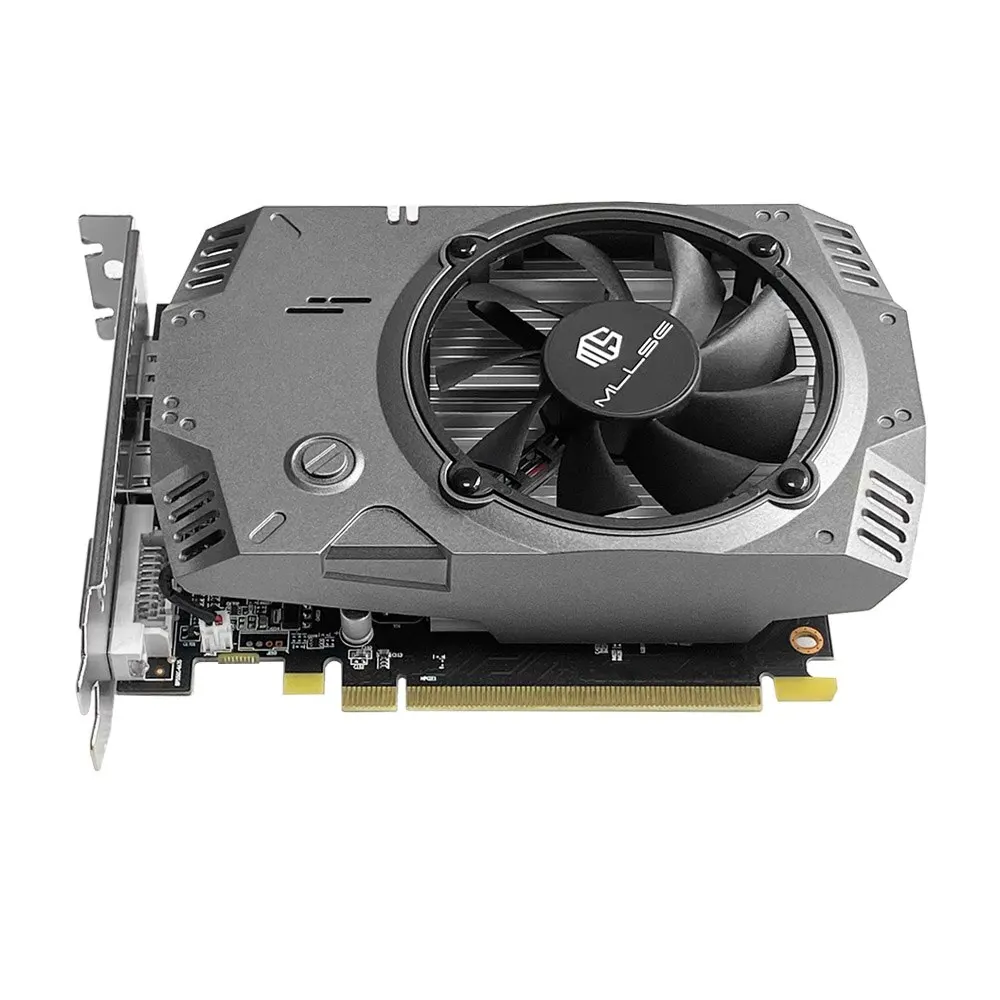



• High-performance Radeon RX550 GPU :Enjoy seamless gaming and streaming with the powerful Radeon RX550 GPU.
• Large 4GB GDDR5 video memory :Experience stunning visuals with the 4GB GDDR5 video memory.
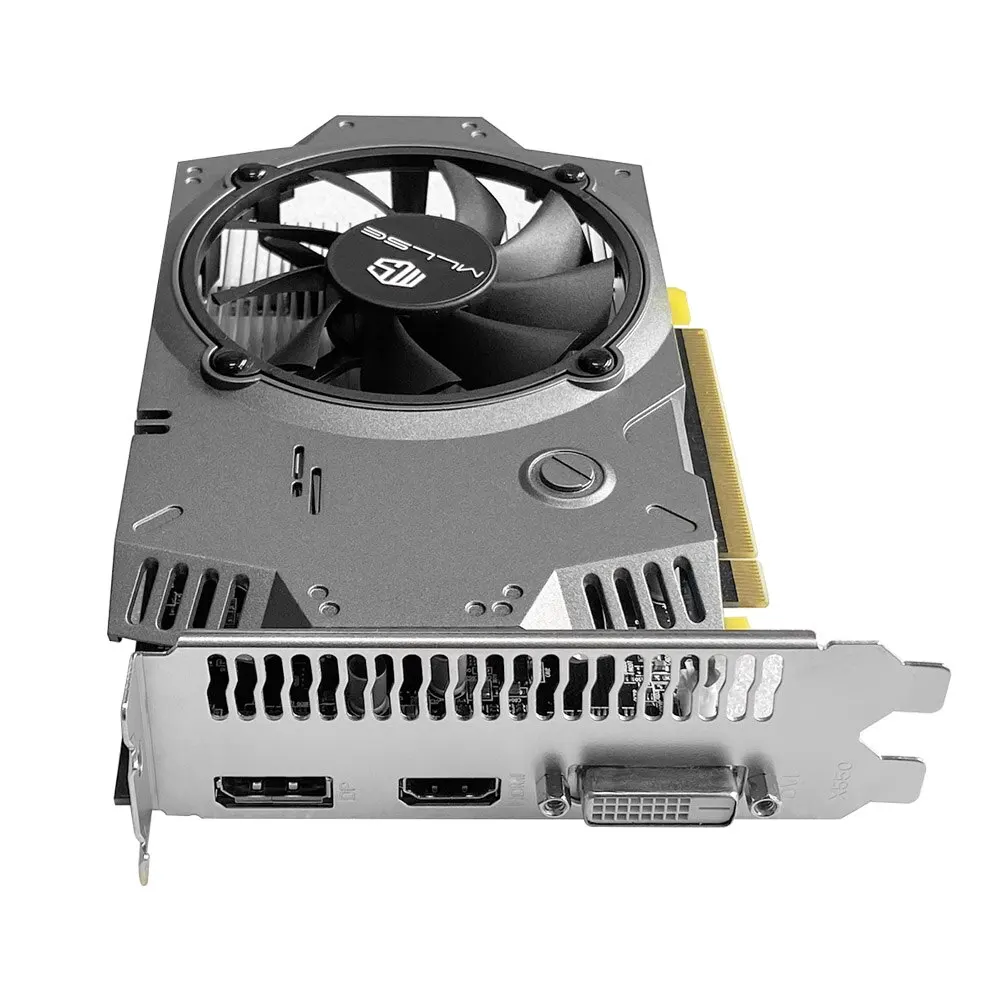
• DVI, HDMI, and DP output interfaces :Connect to multiple displays with ease using the DVI, HDMI, and DP output interfaces.
• PCI-E 3.0 interface :Enjoy faster data transfer rates with the PCI-E 3.0 interface.
Follow the store to get Double Eleven coupons, the quantity is limited, first come first served
Usage time: November 11th 00:00-November 17th 23:59
How to use: Find the input box where you can enter the code on the payment page, copy the code provided by our store into the input box, and then click Use
• Radeon RX550 GPU :Enjoy high-performance gaming with the Radeon RX550 GPU, which delivers smooth graphics and seamless gameplay.
• 4GB GDDR5 Video Memory :Experience stunning visuals with the 4GB GDDR5 video memory, which provides ample space for storing graphics data.
• DVI, HDMI, and DP Outputs :Connect to multiple displays simultaneously with the DVI, HDMI, and DP output options, allowing you to expand your gaming or workspace.
• PCI-E 3.0 Interface:Experience faster data transfer rates with the PCI-E 3.0 interface, which improves communication between the graphics card and your system.
MLLSE Graphics Card RX 550 4G
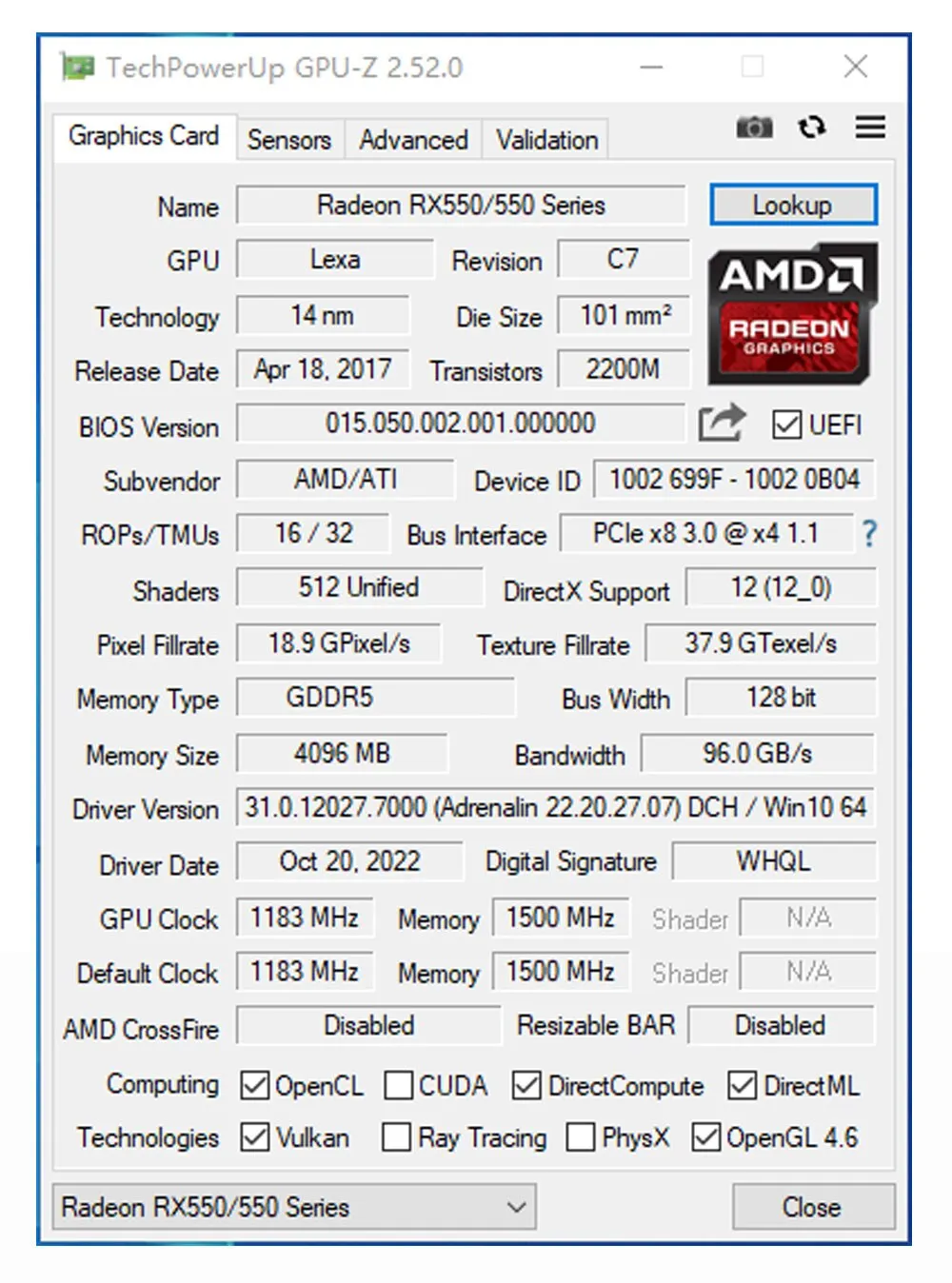
• GPU Model: AMD Radeon RX 550 4G
• Chip Code: lexa
• Stream Processors: 512
• Core Frequency(Mhz): 1183MHz
• Memory Clock Speed(Mhz): 6000MHz
• Video Memory Capacity: 4GB
• Video Memory Type: GDDR5
• Video Memory Interface: 128Bit
• Interface Type: PCI Express 3.0 x 16(Effective Pci-e 3.0 x 8)
• DirectX: DirectX 12
• Output Interface Type: DVI x 1
• Output Interface Type: HDMI x 1
• Output Interface Type: DisplayPort x 1
• Power Connector: NONE
• Power Consumption: 50W
• Recommended power supply :400W or above
Big fan cooling system — Strong Wind
High-speed and large-size fan design, the air volume is doubled, and the heat dissipation is stronger.
Direct heat pipe — Rapid Cooling
With integrated heat dissipation fins for rapid heat conduction, Don’t be afraid of the game’s full load and high temperature.Harsh Materials — Play Games
Large-area PCB board, using high-speed GDDR5 memory, Fine workmanship, more stable and durable.4K HD Display
DP+HD+DVI mainstream high-definition outputs Smoothinterface and high-definition game visual experience.RX 550 4GB ParametersRX 550 4GB Test ChartProduct size : 145x122x35mmPackaging includes :
Graphics Cardx1
Warranty Cardx1
User Manualx1
Fix screwx2RX 550 4GB Real Photo DisplayInstall the graphics card
1.Turn off the computer and unplug the power cord.
2.Remove the chassis cover and find the PCle slot.(A)
3. Removethe metal back plate at the expansion slot you want to insert the graphics card in.
4. Insert PCle connector (B)to PCle slot and make sure that it is firmly inserted
5. Fix the graphics card to the expansion slot with screw (C)
6. Co nectthe coresponding PCle power connector (D) to he independent power supply inter face (E) on graphics cardPackaging DisplayNotice:
1. Under normal circumstances, the normal temperature of the graphics card should be between “30-85 ℃”
2. Even if the ambient temperature is too high in summer, the normal temperature is between “50-85°C”
3. Play some large 3D games and watch some high-definition videos, the graphics card temperature should be around 90℃
4. In fact, as long as the temperature of the graphics card does not exceed 95°C, there is generally no problem.
If the temperature exceeds 95°C, the graphics card will automatically reduce the frequency, so there is no need to worry too much.
Questions and Answers :
Q : Why do golden fingers have scratches
A : Because graphics cards undergo multiple tests before leaving the factory, this is a normal phenomenon and there is no need to worry.
Q : Where can I download the driver?
A : Go to the corresponding official website to download the driver






















Reviews
There are no reviews yet.